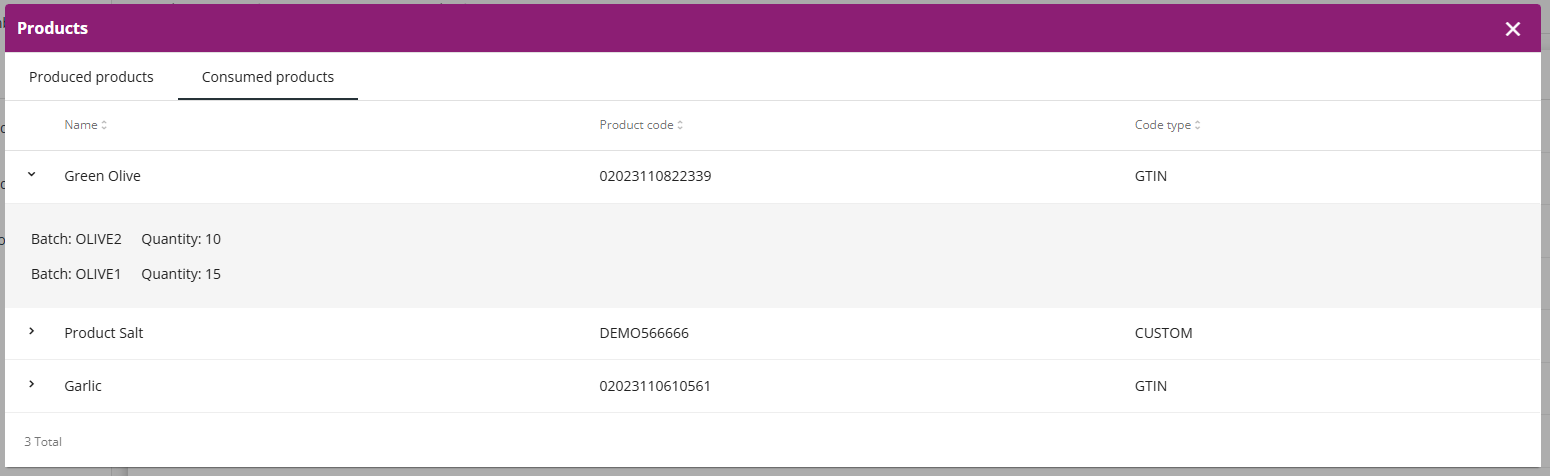
View the process steps in the Genealogy application that are executed (registered) in the mobile application.
Procedure
1. In the Genealogy application, select the Production --> Executed steps tab. The application displays all the process steps that were executed in the mobile application with the date and time of creation and the process step name.
Example:
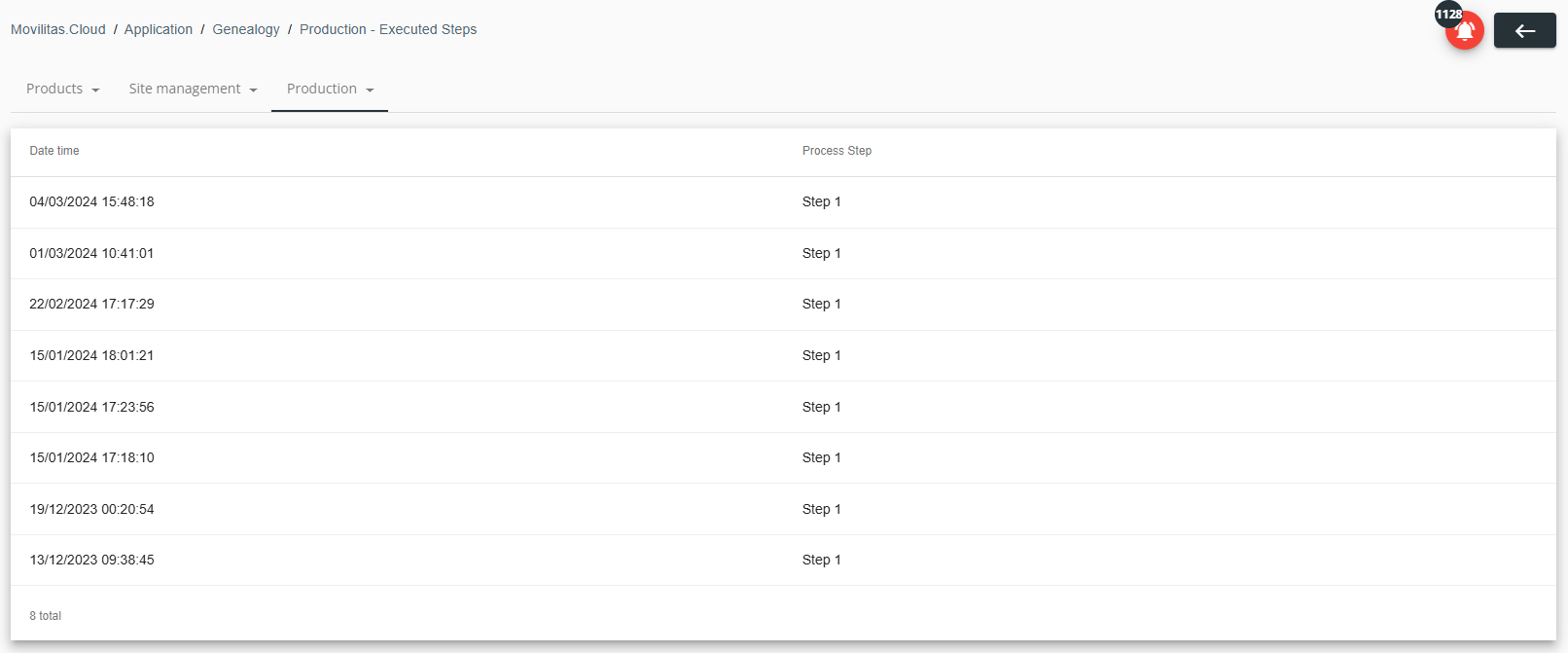
2. Click on a row to view the details of the related process step. The application displays the Products pop-up window.
- Change the view by selecting the Produced products or the Consumed products tab.
- For the batch(es) and related quantity, expand a product in the row.
- Close the window by clicking on the X button in the top-right corner or by clicking outside the window.
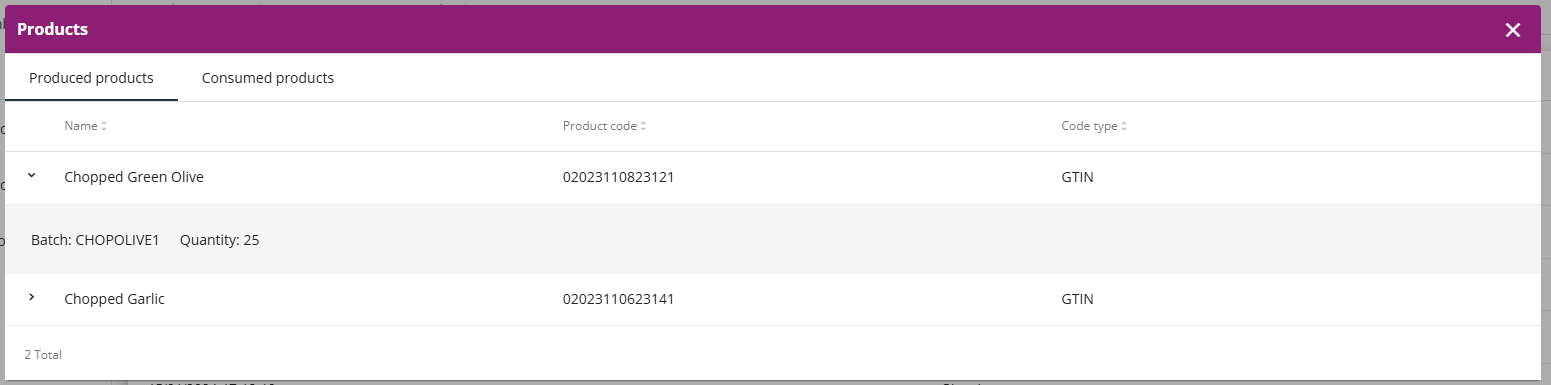
The following example illustrates the list of produced products for the selected process step. The first product is expanded. It contains one batch:
The following example illustrates the list of consumed products for the selected process step. The first product is expanded. It contains two batches: